What Should a Contractor Put in a Website Project Gallery?
Share this article
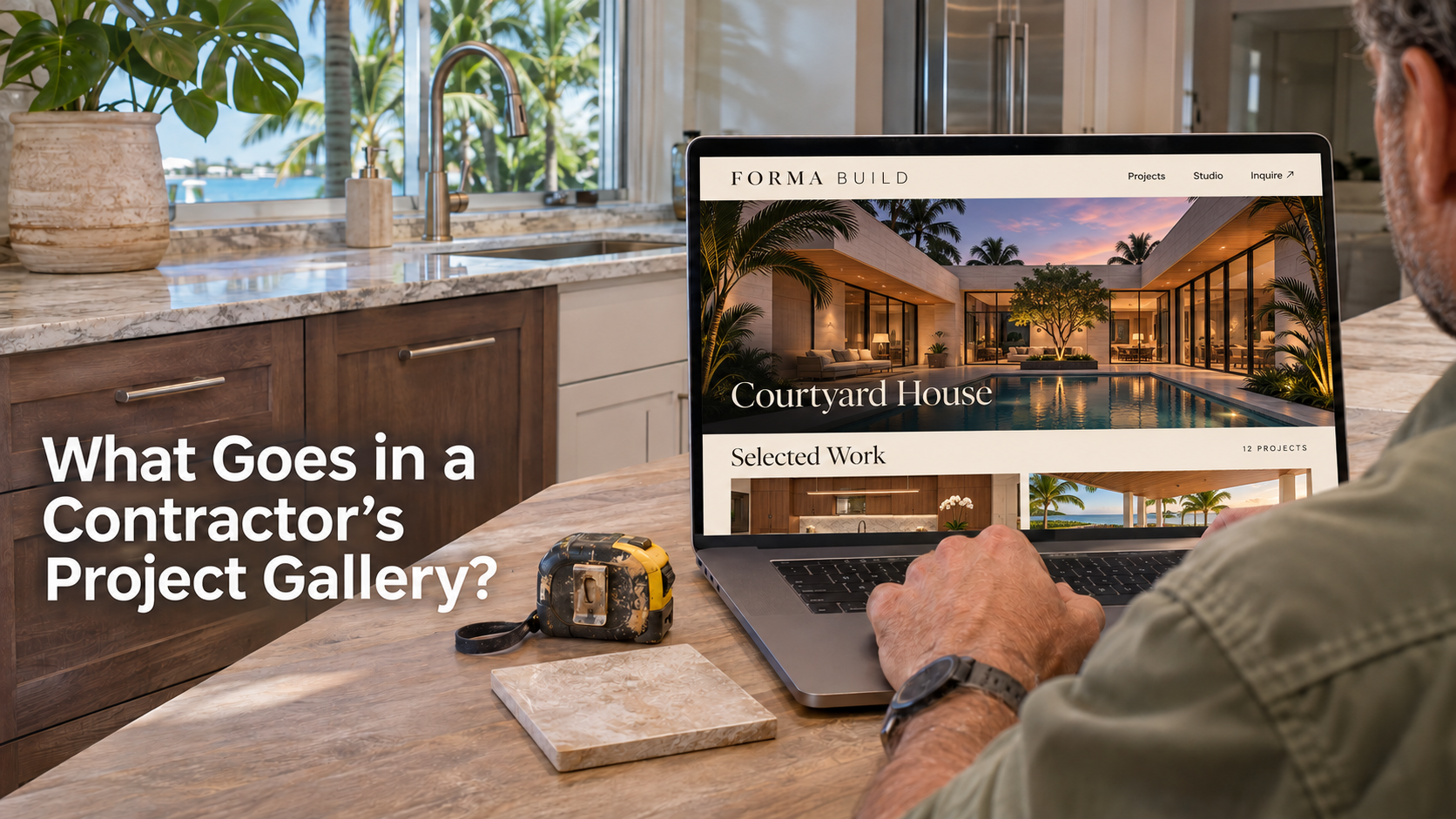
Choose projects that resemble the jobs you want to quote. For each one, show the starting condition, the work your crew performed and the finished result. Add a short explanation of the scope and a next step for someone planning similar work. A homeowner looking through a contractor's gallery is trying to answer a practical question. Has this team solved a problem like mine?
Which completed jobs deserve space on the website?
Start with recent estimate calls. What do buyers ask to see before agreeing to a site visit? A patio contractor might hear, “Have you built a screened area around an existing pool?” A painter might hear, “Can you work around cabinets we want to keep?” Each question points to a project worth documenting. The most expensive project in the archive might answer neither.
Make a shortlist based on the work your business wants and can deliver. A gallery weighted toward full replacements will attract a different conversation from one showing careful repairs. If you no longer offer a particular material or serve a particular location, an attractive photo can create a misleading impression. Either explain the relevant limitation or choose a better example.
Use one project to answer one buying question
Consider a hypothetical South Florida patio contractor comparing two completed jobs. One photograph shows a large, elaborate enclosure against a dramatic sunset. Another set shows how a crew preserved access to a side door on a compact patio. If homeowners frequently ask whether they can enclose a small patio and keep that door usable, the second job offers more to discuss at an estimate.
Choose a plain-language label a customer would recognize. “Screened patio with side-yard access” gives a visitor a reason to open the project. A label such as “Residence 04” makes that person inspect every image to find out what the work involved. Keep internal job numbers in your own records.
What should appear on an individual project?
Give readers enough context to judge similarity without turning the page into a construction diary. Describe what the owner needed, the constraint your team worked around and the portion you actually delivered. Follow the description with a few images whose captions explain the important details. Finish with the service a visitor can inquire about.
Scope matters especially when several trades worked at the property. If your team installed railings on a staircase another company built, identify the railings in the first sentence. A wide finished photograph can otherwise imply that you designed the entire staircase. An honest boundary also makes your specialty easier for the right buyer to recognize.
Write the caption you would give during a walkthrough
Imagine standing beside a homeowner and pointing to the part of the photograph that matters. Instead of “Another beautiful transformation,” try “The new screen door lines up with the existing path, so the homeowner can reach the side gate from the patio.” This hypothetical caption explains a design decision a buyer can relate to their own home.
- Show an overview so the reader can understand where the work sits.
- Pair before and after views from similar angles when the change is important.
- Include a close view of the detail that solved the customer's problem.
- Credit the part your crew completed and identify any separate work visible in the frame.
What if you only have finished photos?
Publish a useful finished example if you can accurately describe its starting condition. Write what you know from the job record and identify the photo as the completed work. An unrelated “before” picture weakens the comparison. For future jobs, have the person already documenting site conditions take a matching view before work begins, subject to the customer's permission.
Does every project need its own page?
A small contractor can start with one well-organized gallery when its strongest examples share a service and need only brief explanations. Place the project name, scope and caption near each set of images. Someone scrolling on a phone should be able to tell exactly where one job ends and another begins.
Give a project its own page when the explanation would help a buyer make a decision that the overview cannot handle. A phased remodel in an occupied home may deserve details about access, sequencing and what the family could continue using. Six nearly identical installations may fit better as a short set of examples on the service page itself.
Organize the gallery the way customers describe the work
A contractor might internally sort jobs by year, crew or supplier. A prospective customer is more likely to start with “bathroom remodel,” “screen repair” or “outdoor kitchen.” Choose a few recognizable categories backed by actual examples. Avoid promising a filter for every neighborhood when several filters would produce an empty screen.
Test the arrangement by giving someone unfamiliar with the site a specific task. Ask them to find a job like an enclosed patio with an existing pool and then find out how to request a visit. If they have to open every thumbnail or return to the homepage to contact you, the gallery needs clearer labels or a better route to the inquiry.
What should you prepare before asking a designer for a quote?
Collect original photo files, the approved job descriptions and the permission status for each set. Screenshots from social media may contain icons, cropped details and text that no longer applies. Keep customer names, exact addresses and internal notes out of public filenames and descriptions. Review reflections, license plates and visible house numbers before selecting the final photographs.
Give your designer a sample project you consider ready to publish. Ask what the design includes for that example and what it would take to add the next one. A quote for a single gallery with twelve images covers a different job from a design that includes twelve individual project pages, edited copy and photo selection. Our guide to writing a website project brief can help you document those differences before comparing proposals.
Agree on a repeatable handoff from the field
Choose someone responsible for collecting a small set of usable images at completion. Have the project lead supply the job type, the challenge and one verified detail about the finished work. Someone with authority to approve publication should check that the description is accurate and the images are cleared for the intended use.
A short internal note can be enough material. For example, “Existing patio door stayed in place. New screens lined up with the walkway. We supplied the enclosure only; the homeowner arranged the pavers.” A writer can turn those facts into a clear project entry. Without them, even a good designer may overlook the most useful detail or accidentally credit your team for someone else's work.
How can a gallery lead to better estimate requests?
Put the next step close to the evidence that prompted it. A person viewing an enclosure project should be able to explore the enclosure service or request an estimate for a similar job. A generic link to follow your company on social media makes that person start the decision again somewhere else.
A useful inquiry form might let the visitor identify the kind of project, give the general location and describe what needs to change. If you invite photos, explain which views help your team and whether a site visit is still required. Give visitors a way forward when they have no photos handy. The guide to website features that generate qualified leads covers the rest of the inquiry path.
Listen for signs that the examples are doing their job
Ask the person handling estimates to note when someone mentions a specific project. “We saw the side gate on your patio job” tells you more about what was useful than a gallery view count alone. If several callers assume a photographed feature is included in every estimate, change the caption or service description. The gallery can teach you where customers need a clearer explanation.
Frequently asked questions about contractor project galleries
These decisions affect the scope of a new website and the work needed to keep the gallery current. Settle them before you commission a large batch of project pages.
Plan a gallery for the jobs you want to win
The Business Theory builds custom Duda websites for service businesses. Bring your service list, a few cleared photo sets and the questions homeowners ask before booking an estimate. We can discuss which examples belong on a service page and which deserve a gallery of their own. Schedule a free website consultation to plan the structure of your new contractor site.
About The Business Theory
The Business Theory is an award-winning website design and digital marketing agency helping service-based businesses build stronger online presences and attract more qualified customers. We specialize in custom website design, Search Engine Optimization (SEO), directory listings, Google Ads, Meta Ads, social media posting, content marketing, and link building, with strategies tailored to each business rather than a one-size-fits-all approach. Whether you need a new website, stronger search visibility, or a more coordinated digital marketing strategy, explore our services or schedule a free consultation to learn how The Business Theory can support your business goals.