The Website Features That Turn Visitors Into Qualified Leads
Share this article
A website turns visitors into qualified leads when it clearly explains your services, shows who you serve, builds trust, and makes contacting you easy. Fast-loading, mobile-friendly layouts, useful service pages, and well-designed forms help potential customers decide whether your business fits their needs and take the next step.
For a service business, more inquiries are only useful if they come from people you can actually help. A full inbox can still mean wasted time if most requests are for services you do not offer or locations you do not serve.
Whether you run a home service company, law firm, accounting practice, or another local business, your website should answer the questions customers ask before hiring. Here are the features to prioritize when planning a website that supports better inquiries.
What is a qualified website lead?
A qualified website lead is an inquiry from someone whose needs match your services and who meets your relevant requirements, such as service area, project type, or budget. A form submission becomes a qualified lead only after you have enough information to confirm that fit.
For example, a gutter company serving Broward County may receive an inquiry from a homeowner in Weston who needs seamless gutter installation. That request is more relevant than one from someone outside the company’s service area asking for a roof repair it does not provide.
Your website can help customers recognize this fit before they contact you. Describe what you offer, where you work, and any important limitations. When appropriate, explain starting prices, minimum project requirements, or the type of customer your service is intended for.
Which website features help generate qualified leads
The most useful features combine clear information with an easy path to contact. Prioritize these elements:
- A clear opening message that identifies your service and customer.
- Dedicated service pages that explain scope, process, and suitability.
- Visible service areas and relevant customer requirements.
- Specific calls to action connected to the visitor’s next step.
- Fast, usable layouts across phones, tablets, and desktops.
- Authentic reviews, project examples, and relevant credentials.
- Contact forms that collect enough information to assess fit.
- Helpful answers to common questions and links to related services.
- Reliable form delivery, clear confirmations, and lead tracking.
These features should work together. A persuasive service page cannot produce a useful inquiry if its form is broken, and an easy form cannot compensate for an unclear offer.
What should visitors see first on a service business website
Visitors should quickly understand what you do, where you provide it, and how to contact you. The first visible section should give them enough information to decide whether to keep reading without making them search through menus.
Use a specific headline such as “Seamless Gutter Installation in Broward County” rather than a broad statement such as “Solutions for Your Home.” Follow it with a brief description of the service and a button that matches the offer, such as “Request an Installation Estimate.”
Keep the opening readable on mobile. An oversized image, long animation, or crowded banner can push the information customers need too far down the screen.
If you are gathering content for a new site, our website design requirements checklist explains what to prepare before the project begins.
How do service pages improve lead quality?
Dedicated service pages improve lead quality by helping visitors confirm that you provide the exact service they need. Each page should explain the service, who it is for, what it includes, where it is available, and how to request help.
A single page listing every service often leaves important questions unanswered. An accounting firm, for instance, can explain bookkeeping and tax preparation more clearly on separate pages because customers may need different information before inquiring.
Explain the details that affect the hiring decision
Include your process, relevant exclusions, what the customer should prepare, and how estimates or consultations work. If pricing depends on project size or site conditions, explain those factors instead of suggesting that every customer receives the same quote.
Show the areas you genuinely serve. Location pages can be useful when they provide relevant local information; repeating the same page with a different city name adds little value for the reader.
Our guide to service pages vs. blog posts for SEO explains how educational articles can support the pages where customers make hiring decisions.
What makes a website call to action effective
An effective call to action explains the next step in specific language and sends visitors to the right destination. “Request a Pest Control Estimate” gives customers more information than “Submit” or “Learn More.”
Choose one primary action for each page. An urgent repair service may prioritize phone calls, while a project-based business may benefit from a form that collects location and project details. Add a secondary option when it helps customers who prefer another way to contact you.
Place the primary action near the opening and repeat it after useful decision-making information, such as service details or reviews. Buttons should stand out, remain easy to tap, and link to the promised form, phone number, or booking page.
Explain what happens next. A customer should know whether they are requesting a callback, receiving an estimate, or reserving an appointment. Only advertise a free consultation or a response time if your business actually provides it.
Why do mobile usability and website speed matter
Mobile usability and speed matter because customers need to read your content and contact you without delays or confusing interactions. Slow-loading images, tiny buttons, and unstable layouts can interrupt an inquiry even when the visitor is interested.
Test the full customer journey on a phone, from the page where someone arrives to the confirmation after submitting a form. Check that the navigation works, text is readable, phone numbers are tappable, and forms can be completed without zooming or scrolling sideways.
Check how the page behaves while loading
Resize and compress images, avoid unnecessary scripts, and prevent elements from jumping around as the page loads. A contact button that moves just as someone taps it creates a usability problem even if the page looks polished once everything has loaded.
Google’s Core Web Vitals guidance measures loading performance, responsiveness, and visual stability. These are useful checks for the customer experience, but speed improvements alone do not guarantee rankings or leads.
Which trust signals help customers decide to contact you
Trust signals help customers evaluate whether your business is credible and suitable for their needs. Useful examples include genuine reviews, photos of completed work, clear business information, and credentials relevant to the service you provide.
Choose evidence that answers the customer’s concern. A contractor might show project photos and relevant licensing information. A professional service firm might explain who will handle the work and display verified qualifications.
Place relevant proof near the decision it supports. A testimonial about communication may help beside your process explanation, while photos of finished installations belong near the matching service.
Keep reviews, ratings, and credentials accurate. Use client names, logos, and project images only when you have permission, and avoid presenting illustrative stock images as your own completed work.
What should a lead generation form ask for
A lead generation form should collect the details your team needs to respond and assess whether the inquiry is a fit. Start with essential contact information, then add questions that affect eligibility, routing, or the next conversation.
For many local service businesses, useful fields include:
- Name and a practical way to contact the customer.
- Service requested, using clear options when possible.
- City or ZIP code to check the service area.
- A brief description of the project or problem.
- Preferred timing when it affects scheduling.
Request a budget range, property details, or photos only when they meaningfully help your team evaluate the request. More fields can create friction, but removing every qualifying question can leave you with inquiries that require unnecessary follow-up.
Make the form easy to finish and verify delivery
Use visible field labels, clear error messages, and a confirmation that explains the next step. Test that submissions reach the correct person and that the confirmation does not claim an appointment is booked when the customer has only requested one.
The right form balances ease of use with useful information. Review actual inquiries to decide whether a field is helping your team or discouraging suitable customers.
How do FAQs and helpful content support website leads
FAQs and helpful content support leads by answering the questions that keep customers from taking action. Clear answers about pricing factors, service scope, preparation, and your process can help readers decide whether to contact you.
Use questions your team hears from customers and questions relevant to your services. Give a direct answer first, then explain any conditions or examples. For instance, “Do I need to be home during a mold inspection?” deserves a practical answer that reflects the company’s actual procedures.
This approach supports answer engine optimization, or AEO, by making the content easier to understand and use as an answer. It also helps readers who are scanning for one specific detail.
Google’s guidance on AI features and websites says established SEO practices remain relevant and no special AI markup is required. Question headings and clear answers are useful editorial choices, but they do not guarantee inclusion in AI-generated results.
Link educational answers to the appropriate service page so readers can explore the service when they are ready. Avoid sending every article to the homepage when a more relevant destination exists.
How does local SEO help attract the right website visitors
Local SEO helps your business become discoverable for relevant searches in the areas you serve. Your website then needs to explain the offer and help those visitors decide whether to inquire. Visibility and conversion address different parts of the customer journey.
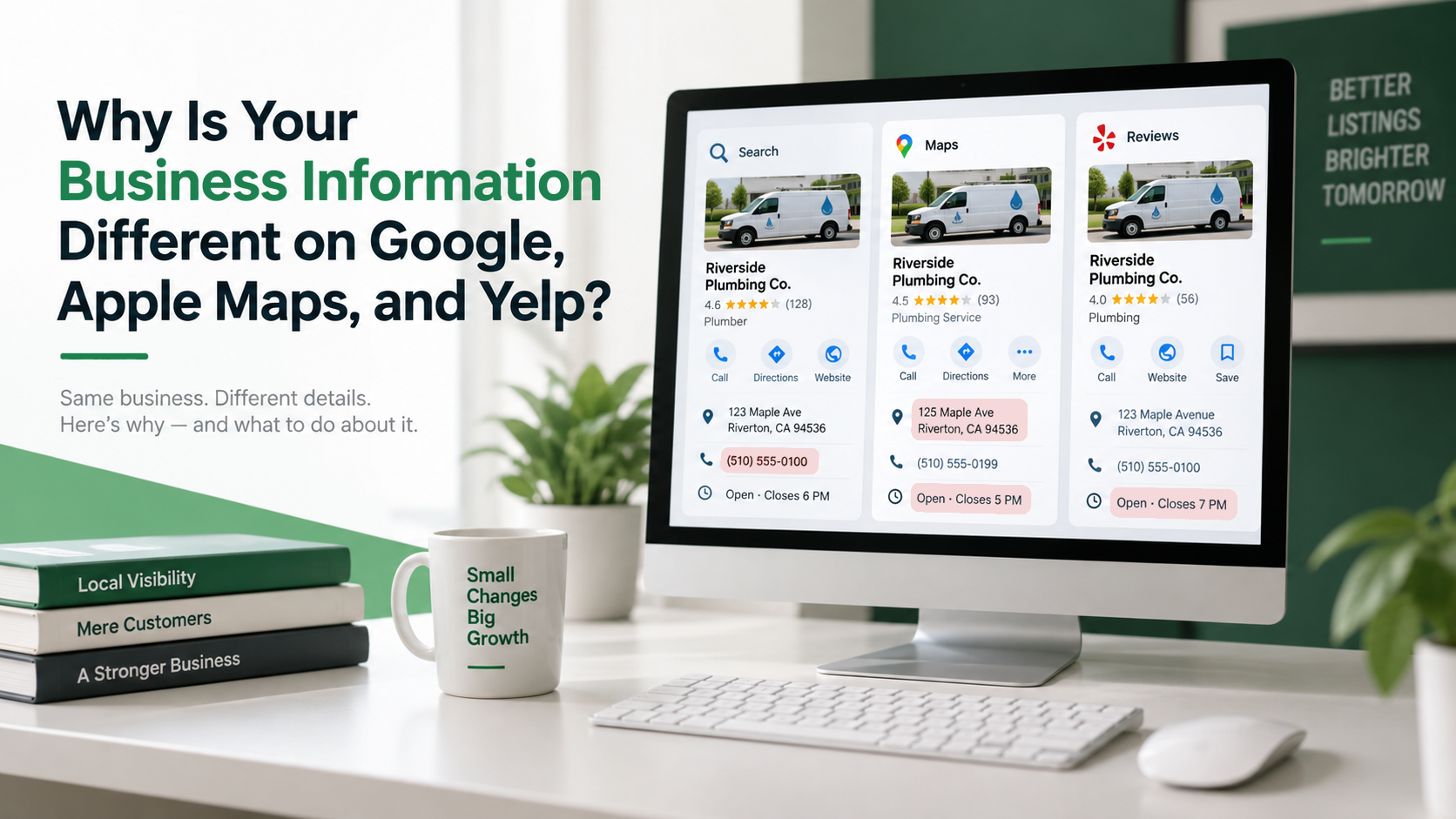
Use accurate service information, clear geographic coverage, and helpful content that reflects customer needs. Keep business information consistent across your website and relevant listings so customers can verify how to reach you.
Our SEO services support ongoing search visibility, while our directory listing services help businesses manage accurate information across directories.
Avoid measuring success only by total visits. Traffic from people outside your service area or researching a service you do not offer may contribute little to your business goals.
How can you tell whether your website is generating better leads
Track the inquiries your website produces and review how many match your services, location, and other requirements. Form submissions and phone clicks show activity; qualified inquiries, booked appointments, and won work provide a clearer picture of business value.
Connect website reporting with your team’s lead records. Google Analytics can help measure website actions, while a CRM or consistent tracking sheet can record whether an inquiry was relevant and what happened after contact.
Measure quality alongside volume
For example, if your team reviews 40 genuine inquiries and 24 meet your qualification criteria, the qualified lead rate is 60 percent. This is an illustrative calculation, not an industry benchmark. Apply consistent criteria when comparing periods.
A phone-button click does not confirm that a conversation occurred, and a form submission does not confirm a sale. Where possible, record actual calls, booked appointments, and outcomes without counting the same person multiple times.
Use that information to identify what needs attention. Repeated requests from outside your service area may point to unclear location information. Many suitable inquiries but few appointments may point to a problem with follow-up or the offer.
Build a website around the customers you want to reach
A website that supports qualified leads gives customers the information they need to assess your business and a clear way to contact you. When planning your next website, prioritize accurate service content, useful proof, an easy mobile experience, and forms your team can act on.
The Business Theory builds custom Duda websites for service-based businesses throughout Miami-Dade, Broward, and Palm Beach County. Our custom website design services combine responsive layouts, clear calls to action, and on-page SEO foundations around your business and customers.
Ready to plan a website that supports better inquiries? Schedule a free consultation with The Business Theory to discuss your services, audience, and website goals.
About The Business Theory
The Business Theory is an award-winning website design and digital marketing agency helping service-based businesses build stronger online presences and attract more qualified customers. We specialize in custom website design, Search Engine Optimization (SEO), directory listings, Google Ads, Meta Ads, social media posting, content marketing, and link building, with strategies tailored to each business rather than a one-size-fits-all approach. Whether you need a new website, stronger search visibility, or a more coordinated digital marketing strategy, explore our services or schedule a free consultation to learn how The Business Theory can support your business goals.