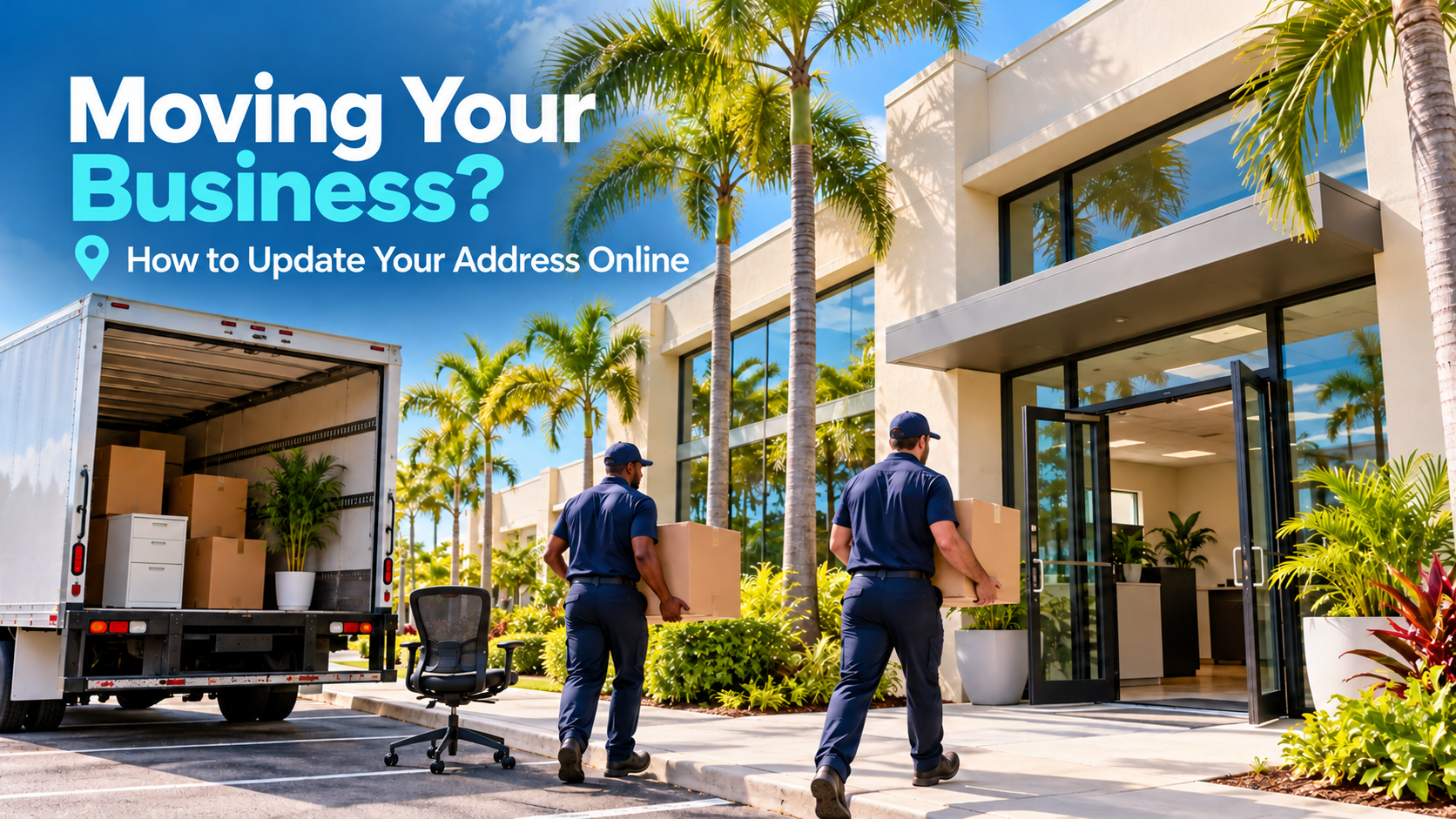
Moving Your Business? How to Update Your Address Online
Share this article
When your business moves, update your existing online profiles, website, customer communications, and relevant directories around the actual relocation date. Keep a record of each correction and verify what customers can see afterward. Changing your address on Google alone does not complete the move across the internet.
The practical goal is simple: a customer who wants to visit, book, or call should reach the right business with accurate expectations. A moving announcement does little good if the appointment confirmation still sends someone to the former office.
This checklist focuses on relocating an existing service business. Opening an additional branch, selling the company, or changing the business identity can require different decisions. Establish which situation applies before editing profiles.
What should you prepare before changing your business address online?
Prepare one approved record containing the new address, suite number, opening date, customer-facing hours, phone number, website, and access instructions. Assign someone to coordinate the updates and identify who controls each account. This prevents employees and vendors from publishing different information at different times.
Keep the former address in your internal record so you can search for outdated references later. Record whether there will be an overlap, a temporary closure, or a period when appointments occur at different locations.
Confirm how customers will use the new location
Should you create a new Google Business Profile when you move?
For an existing business relocating, Google says not to create a new Business Profile simply because its physical location changed. Work with the existing profile and follow the applicable relocation and verification process. Creating another profile without checking the rules can leave customers facing competing records for the same business.
Google's guidance on relocated businesses and reviews explains that review handling depends on the business change and category. Do not assume that deleting a profile or starting again is necessary to preserve the business identity.
Plan for verification and public review
Google's Business Profile editing guidance says a verified business moving to a new address must verify again. Make sure an authorized person can complete the process and respond to requests instead of assuming an address edit will finish immediately.
Review the published profile after the change. Check the address, map position, website link, phone number, hours, and directions from a customer's perspective. A saved edit and an accurate public result are separate checkpoints.
If the old and new records are already both visible, document their URLs and status before making more changes. Use the platform's support process where needed rather than creating another replacement.
Where should the new address appear on your website?
Update every place where your website tells customers where to visit or how to receive service. The contact page is only the starting point. Address details can also appear in repeated page elements, embedded maps, appointment tools, directions, and downloadable documents that remain accessible after a move.
Give the person responsible for the site an explicit list of changes. Include the effective date and any temporary message, such as appointments remaining at the old location through a particular day.
Check the complete customer journey
Walk through the steps a new customer would follow, from reading a service page to receiving a confirmation. Use a test inquiry where appropriate and verify its destination.
- Contact and location pages.
- Headers, footers, and reusable contact sections.
- Map links and directions buttons.
- Booking pages and confirmation messages.
- Forms, thank-you pages, and email templates.
- Business information in structured data.
- Downloadable brochures and appointment instructions.
Keep useful service information intact while correcting location references. A relocation does not automatically require a new domain or a wholesale rewrite of every page.
For broader context on conflicting records, read why business information differs across Google, Apple Maps, and Yelp. The move checklist adds the timing and accountability needed to coordinate those corrections.
Which listings and customer touchpoints should you update next?
Prioritize the places customers actually use to find, evaluate, book, or visit your business. Review major map and review profiles, relevant professional directories, social profiles, advertising destinations, and customer messages. An obscure listing should not take priority over a booking confirmation that sends every new appointment to the wrong office.
Apple's business-management guide now directs former Apple Business Connect users to Apple Business. Check the current location-management experience rather than relying on an old set of screenshots. Review the public Maps result after submitting changes.
Also check Bing, Yelp, industry associations, chamber memberships, supplier referrals, and directories that have sent customers before. Each platform may require its own update or verification; one submission is not proof of universal correction.
Keep marketing and operations aligned
The marketing team may correct the website while the office team continues using an old template. Give both groups the same approved record and a simple completion checklist.
- Review paid-ad text and any location-specific offers.
- Update email signatures and appointment reminders.
- Check social profile addresses and pinned directions posts.
- Correct invoices or customer documents that include visiting instructions.
- Ask staff to explain the move consistently when answering calls.
These checks help prevent conflicting instructions even while individual directories process their changes.
How should a service-area business handle an address change?
A service-area business should distinguish its operating address from the information customers need publicly. Moving the administrative base does not necessarily mean customers should visit it or that the service territory has changed. Review each platform's rules before publishing a home or non-customer-facing address.
Google's address guidance explains that businesses not serving customers at their address can hide it and show a service area instead. Apply the rules to how the company actually operates.
Reconfirm the areas your team can realistically serve. A move across South Florida may affect travel time, scheduling, or which cities remain practical. Correct service-area statements if operations change, but avoid adding cities solely to create the appearance of wider coverage.
Once the correct public information is defined, the remaining task is verifying that the changes reach the intended records.
How can you track whether the relocation updates are complete?
Search for the former location deliberately
Search combinations of the business name, former address, old phone number, and city. Prioritize results that could misdirect a customer, then record whether they represent an active error or a legitimate historical reference.
Not every old mention needs removal. A dated news story about the company's previous office is different from a current map listing sending customers there. Focus effort on actionable errors and maintain a record of unresolved cases.
Schedule an initial review after the move and another follow-up based on outstanding edits. Platforms control their review timelines, so avoid promising that every correction will appear on the same day.
When is professional directory listing help worthwhile?
Professional support is worth considering when the relocation involves many profiles, uncertain account access, conflicting records, or limited staff time. The value is coordinated information management and follow-through. Evaluate the actual supported platforms and work involved before comparing providers solely by the number of directories advertised.
Ask who will approve the master information, which updates require direct owner involvement, how exceptions are handled, and what reporting shows. Clarify whether website changes and individual platform support cases are included or separately scoped.
The Business Theory's directory listing services help distribute, correct, and maintain business information across supported platforms. For a business whose location change also affects website content and local search priorities, SEO services can be discussed as a separate, broader need.
Frequently asked questions about moving business listings
Moving your business raises questions about existing listings, customer reviews, search visibility, and when to update your information. Below are answers to common questions business owners ask when planning a relocation and updating their online presence.
Make the online move part of your relocation plan
A completed office move should include reliable directions, working contact details, accurate listings, and clear customer communications. Assign one coordinator, verify public results, and keep unresolved corrections visible until they have an owner and next step.
The Business Theory helps service businesses maintain accurate directory information across supported platforms. Schedule a free consultation with your current and new address, relocation date, and known listing problems so we can discuss the appropriate support and scope.
About The Business Theory
The Business Theory is an award-winning website design and digital marketing agency helping service-based businesses build stronger online presences and attract more qualified customers. We specialize in custom website design, Search Engine Optimization (SEO), directory listings, Google Ads, Meta Ads, social media posting, content marketing, and link building, with strategies tailored to each business rather than a one-size-fits-all approach. Whether you need a new website, stronger search visibility, or a more coordinated digital marketing strategy, explore our services or schedule a free consultation to learn how The Business Theory can support your business goals.